Website asset audits
Collect and extract images from websites, product listings, or landing pages. Audit web assets, check image dimensions, and download pictures from website URLs in bulk.
Start this workflow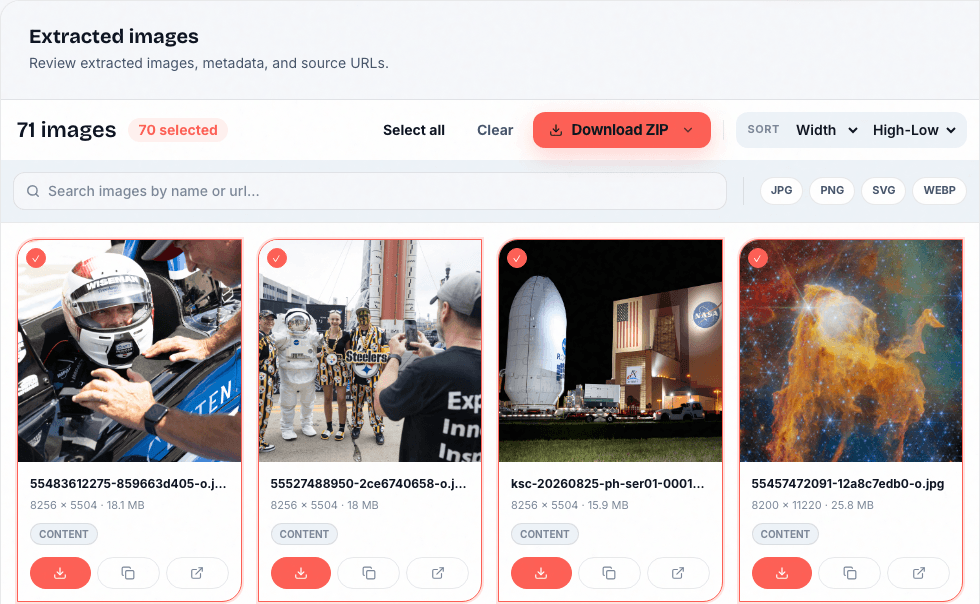
Paste a URL or upload a document. Preview the images, pick your favorites, and download what you need.
Loading image extractor…
Website URLs · PDF · DOCX · PPTXAutomate with the API
A simple three-step path from source to export-ready images, whether you use the dashboard or the API.
Paste a link, upload a bulk URL list, submit PDF/DOCX/PPTX documents, or create image scraper jobs through the API.
See images grouped by source with metadata: dimensions, format, file size, filename, alt text, and source URL.
Download pictures from website sources as ZIP bundles, or pull results into your workflow through the API.
Collect and extract images from websites, product listings, or landing pages. Audit web assets, check image dimensions, and download pictures from website URLs in bulk.
Start this workflowPull embedded pictures from PDF files, Word documents (DOCX), and PowerPoint presentations (PPTX). Extract and save images from any document without manual copy-pasting.
Start this workflow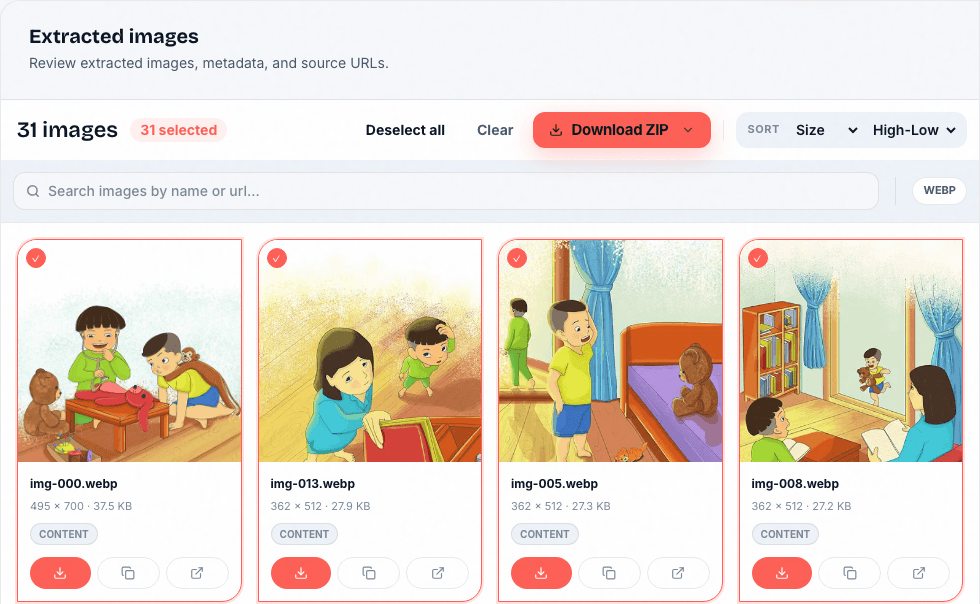
Build automated image scraper workflows. Use our developer API to scrape website images and save pictures from links directly into your database or cloud storage.
Start this workflowPOST /api/v1/jobs
Authorization: Bearer YOUR_API_KEY
Content-Type: application/json
{
"type": "url",
"input": "https://example.com"
}202 Accepted
{ "job_id": "…" }$0/mo
$99/mo
Simply paste the website URL into our online image extractor. Our tool scans the link, finds available images, and lets you save pictures individually or export selected results as a single ZIP file.
Yes. ImageExtract supports document file uploads. You can upload PDF files, DOCX documents, and PPTX presentations to extract embedded pictures for preview and download; output can vary with the source and extraction method.
ImageExtract combines website and document extraction with metadata, filtering, and downloads. Review results before exporting: source restrictions, decorative images, and duplicate variants can affect what is found.
For automated scraping, you can integrate our asynchronous image extraction API. The API returns a structured JSON payload detailing dimensions, format, file size, source URL, and alt text where available.
Yes. We offer a free tier with 50 monthly credits, allowing you to extract images from websites, URLs, and document files without requiring a credit card or contract.
Paste a URL, upload a document, or create a job through the API. No credit card required.
Start nowRetrieve the extracted images
GET /api/v1/jobs/{job_id}/resultTry one document without signing in. Guest usage limits apply.