How to use this tool
- Paste up to five public webpage URLs, one per line.
- Sign in to extract the complete list; guests can extract the first URL.
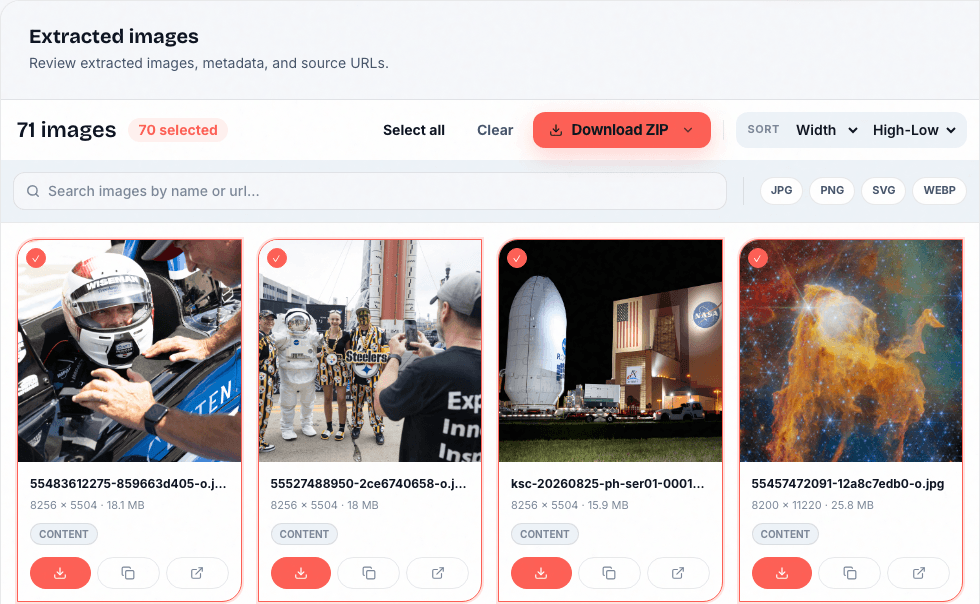
- Review results by source and download selected images.
A list of pages, not a crawl of an entire website
Submit the specific pages you want to inspect. Adding a homepage does not promise that every linked page will be visited. Each URL uses credits; the interface shows the cost for signed-in users.
Sources can finish with different outcomes
Some pages may block automated access, require login, or time out. Review each source and retry only the pages that need another attempt. A completed run does not guarantee that every source image can be downloaded.
Collect assets responsibly
Use public pages you own or have permission to process. Downloading a file does not transfer copyright or permission to publish it.
Questions about this workflow
Can I try a list without signing in?
Yes. You can enter multiple URLs, but a guest run processes only the first URL. Sign in to process the full list.
How many URLs can I submit here?
The web form accepts up to five URLs per extraction for signed-in users. Account credits and applicable limits still apply.
Will it open private or login-only pages?
No. Submit publicly accessible sources. Your browser login to another website is not forwarded to the extraction service.
Credits, processing, and next steps
Guests have a shared allowance of 5 credits per UTC day: a webpage costs 2 credits and a document costs 1. Account plans have their own allowances. Documents are uploaded for server processing; see the retention policy before uploading sensitive material.